

Opens in a new tab

WordPress animation plugin for Bricks, Etch and Gutenberg

Bricks Builder animations, also in Etch, from your panel or your AI assistant

Bricks Builder animations work the way the rest of Bricks does: pick an element, open the Style tab and choose how it moves. No GSAP and no timeline to learn, and from version 3.2 your AI assistant can do it for you.

Entrance and scroll animations load 10.0 KB of JavaScript between them.

A real section: each card covers the one before it as you scroll.Control: Covered by next sibling

1,500+ active sites · Since 2023 · 14-day refund · Lifetime updates

What you can build

Bricks Builder animation templates, included with every license

Every template is a real section built with the plugin, Bricks Builder animations already set. Paste it, swap the text and photos, and the motion stays. New ones come with each release, and if you need one that isn’t there, ask me.

  • Split scroll template

    Split scroll

    Image stays, text changes with the scroll.

  • Video scrub template

    Video scrub

    The scroll drives the video, frame by frame.

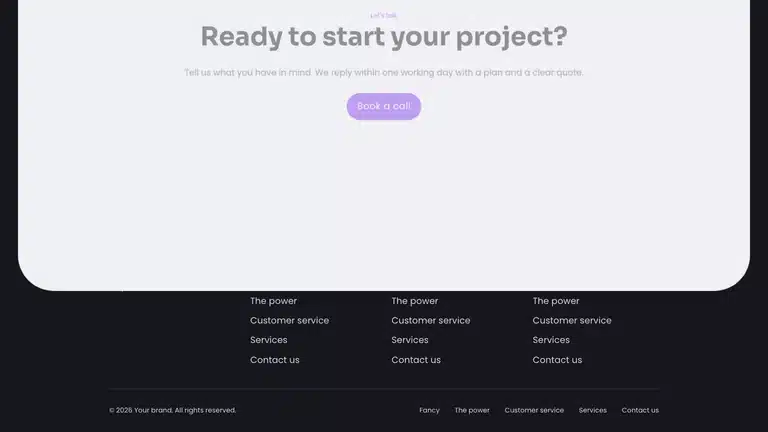
  • Footer curtain template

    Footer curtain

    The last block lifts and uncovers the footer.

  • Grid zoom template

    Grid zoom

    A grid that zooms into one tile as you scroll.

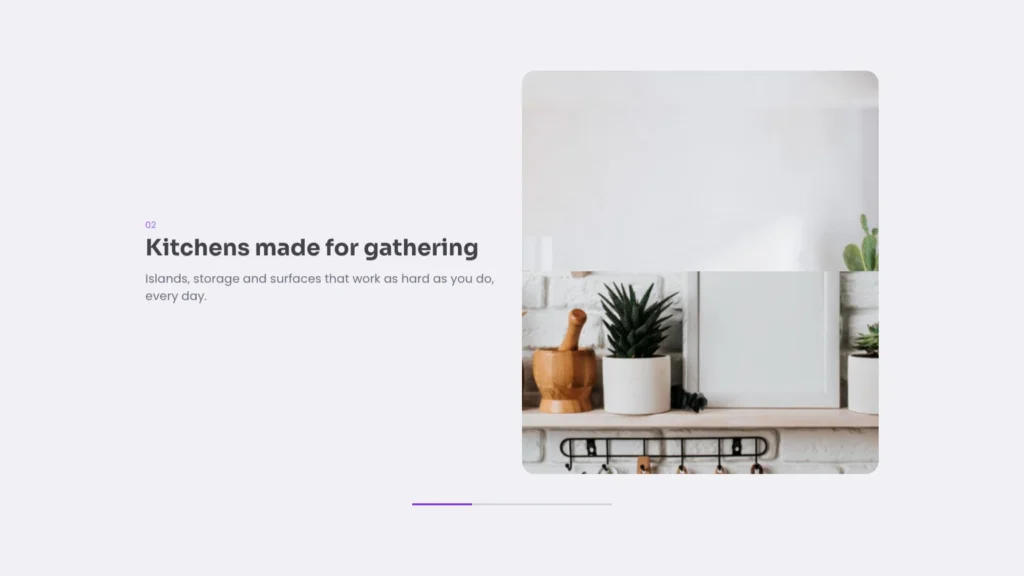
  • Section card stack template

    Section card stack

    Sticky cards covered by the next one.

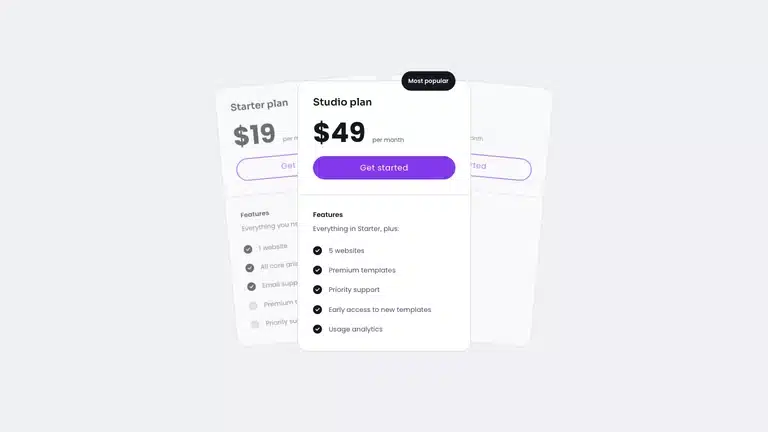
  • Pricing fan template

    Pricing fan

    Plans that fan out from a deck.

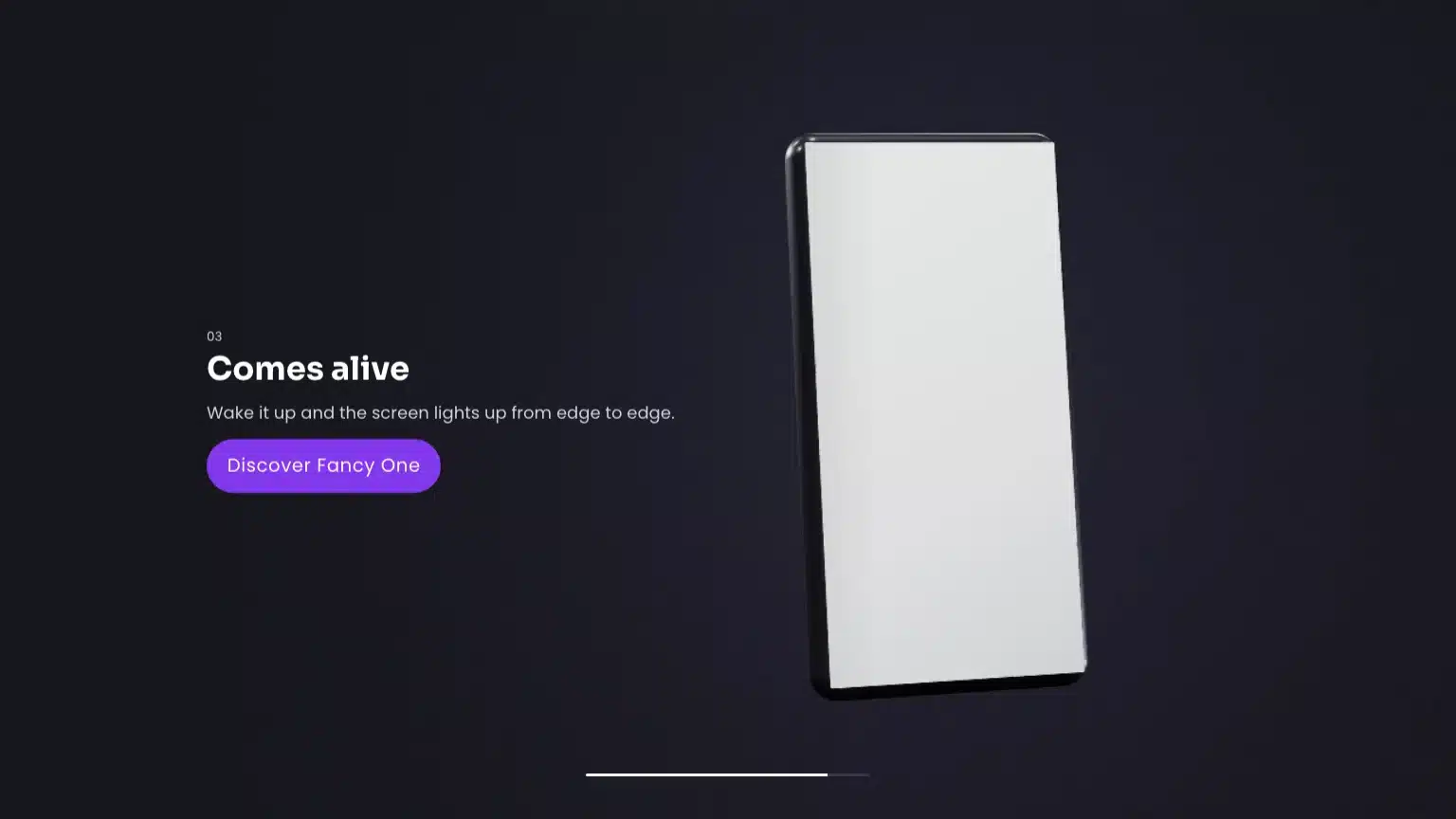
Pinned scene: one template starts full screen and settles into the grid as you scroll.

Advanced scroll, without the maths

Sticky stacks, sequences and staggers without the maths

These are the three Bricks Builder animations people write to me about most. Each one used to mean working out scroll windows by hand. Now each one is a switch in the panel.

1 Covered by next sibling

An exact card stack with any number of cards. Each card measures how much the next one covers it.

2 Sequence children

One range, split between the children. Add a child and the timing adjusts itself.

3 Staggered entrances

Children enter one after another, 0.3 s apart by default, with a delay you set per element.

Pinned scene: the stage stays for two screens while the steps take turns.

How it works

Every animation is a control in your panel

Every Bricks Builder animation is now a setting in the panel you already use, in Etch and the block editor too. No class names to remember.

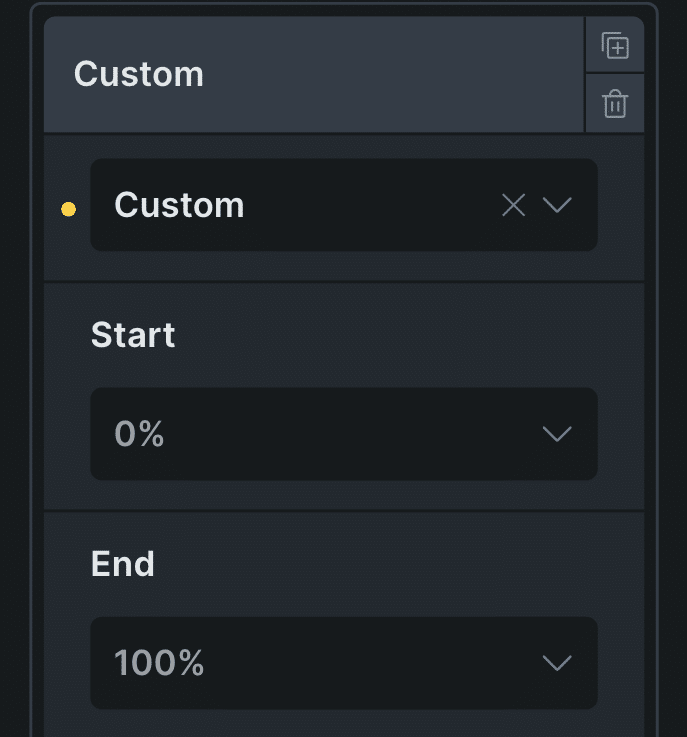
  • The Custom row of the ScrollTrigger panel in Bricks, with Start 0% and End 100%
    1

    Pick a control

    Start, end, from, to, sequence children, covered by next sibling. No timelines, no code. Etch animations use the same controls in EtchWP.

  • Claude · your-site.com

    Make the pricing cards stack as I scroll, each one shrinking a little as the next slides over it.

    Read fancy-reference: cover, sticky
    Read the page with bricks/get-page-elements
    Updated the cards with bricks/batch-update-elements
    Claude

    Your pricing cards now stack as you scroll: each one sticks near the top and shrinks a little as the next card slides over it.

    Reply to Claude…
    2New in version 3.2

    Or ask your AI assistant

    Just say it: “make these cards stack as I scroll”. Your AI assistant sets the controls for you.

What's inside

Everything the plugin includes

Twelve kinds of Bricks Builder animations, from a simple fade to a cursor that changes color on dark sections. One license covers all of them.

  1. Scroll animations

    Fade, slide, zoom, sweep, rotate and your own, driven by the scroll. Windows, sticky scenes, sequences, stacks, horizontal scroll, video scrub and smoothing.

    Bricks, Etch, blocks

  2. Text animations

    Headlines revealed by words or lines, with a clean, accessible DOM.

    Bricks, Etch, blocks

  3. Smooth scroll

    Lenis built in and configurable; works with position: sticky.

    All builders

  4. Hover effects

    Float, zoom, ring and wobble on anything clickable.

    Bricks, Etch

  5. Entrance animations

    Fade, slide, zoom and reveal presets, once or every time, with timing and delay per element and staggered children.

    Bricks, Etch, blocks

  6. Sliders

    Transitions and entrances inside the Bricks nestable slider.

    Bricks

  7. Page transitions

    Slide, cascade and circle, with a loading logo and text.

    All builders

  8. Mouse animations

    Move, follow and 3D tilt that react to the pointer.

    Bricks, Etch

  9. Custom cursor

    Dot and ring, text inside the cursor, inverted colors per section.

    All builders

  10. Gradient backgrounds

    A gradient that follows the cursor, with your colors and patterns.

    Bricks

  11. Global animations

    Animate every heading, card or selector sitewide from the settings, no element editing.

    All builders

  12. AI assistants

    Your assistant reads the plugin’s notes and sets the controls for you.

    New in 3.2

    Bricks, Etch

Since 2023

From class names to your AI assistant

I started Fancy Animations in October 2023 as Bricks Builder animations you added with class names. Some of you found that hard, and every release since has made it simpler. This is the road so far.

  1. 1.0Oct 2023

    It starts with class names

    CSS entrance animations for Bricks, one class each. Powerful, but you had to learn the names.

  2. 1.2Nov 2023

    Hover animations

    Float, zoom, ring and wobble, still by class.

  3. 1.5May–Jun 2024

    Page transitions and a custom cursor

    And the plugin starts printing only the CSS a page uses.

  4. 2.0Jul 2024

    Scroll animations in CSS

    ScrollTrigger without GSAP, and your own custom scroll animations in 2.1.

  5. 2.2Sep–Oct 2024

    Mouse and text animations

    Move, follow and 3D tilt; headlines revealed by words and lines.

  6. 2.4Dec 2024–Apr 2025

    The panel arrives

    Scroll, entrance, text and hover controls move into the Bricks Style tab, and the template library starts.

  7. 2.8Aug–Dec 2025

    Gradients and smooth scroll

    Radial gradient backgrounds in 2.8, smooth scroll in 2.9, and more control in 2.10.

  8. 2.13May–Jun 2026

    The block editor and Etch

    The block editor in beta in 2.13, then the full set of panels inside Etch in 2.14, with new settings.

  9. 3.0Sep–Oct 2026

    A whole site at once

    Global animations by selector, live preview and video scrub; then sequences, card stacks and scroll smoothing.

  10. 3.2New

    Your AI assistant

    Describe the motion and your assistant sets the controls.

1,500+

active sites

Since 2023

in production

Version 3.2

current release

Bricks, Etch and the block editor

one license for all three

Performance

Bricks Builder animations that stay light

The motion runs in CSS, and two small scripts tell it when. I measured what a page with entrance and scroll animations loads, against GSAP with ScrollTrigger.

Fancy Animations

Entrance and scroll scripts

10.0 KB

GSAP + ScrollTrigger

The usual way to do it by hand

46.0 KB

JavaScript only, gzipped, from Fancy Animations 3.2.0 and GSAP 3.13, measured in October 2026. Text, cursor or smooth scroll add their own small scripts only when you turn them on.

  • Nothing else to load

    The scripts don’t need GSAP, jQuery or any other library first.

  • Loads after the page

    Every script is deferred, so it never holds up the first paint.

  • One loop for the scroll

    One listener reads every position, then writes every value, so the browser doesn’t redo the layout each frame.

  • Only the CSS you use

    With Optimized CSS file on, the stylesheet keeps only the animations your site uses.

Pricing

One payment, lifetime updates, all templates included

Pay once and keep every update. Most people pick Professional; Agency is for studios with a lot of client sites. Both include every Bricks Builder animation and all the Bricks templates.

  • Professional

    Recommended
    $179one payment · 400 sites

    Most customers pick Professional.

    • Not included:Lifetime updates
    • Not included:Every animation feature
    • Not included:All Bricks templates
    • Not included:Bricks, Etch, block editor
    • Not included:AI assistants, from 3.2
    • Not included:Staging sites don’t count
  • Agency

    $299one payment · 999 sites

    For studios with a lot of client sites.

    • Not included:Lifetime updates
    • Not included:Every animation feature
    • Not included:All Bricks templates
    • Not included:Bricks, Etch, block editor
    • Not included:AI assistants, from 3.2
    • Not included:Staging sites don’t count

Prices in USD. 14-day refund. Questions? Ask support.

Before you buy

  • Is it hard to use?

    Not anymore. You choose the animation in the panel, the same way you set a margin.

  • Does it slow the site?

    10.0 KB of JavaScript; the motion runs in CSS.

  • Without Bricks?

    Etch animations in EtchWP and the block editor, since 3.0.

  • Do I need GSAP?

    No.

  • Refund?

    14 days, no questions asked.

  • Updates?

    For life, both plans.

New in version 3.2

Ask your assistant: “stack these cards as I scroll”

From version 3.2 you describe the motion to your own AI assistant and it sets your Bricks Builder animations, with your own AI subscription and no Fancy credits.

Needs WordPress 6.9 or later and the MCP Adapter plugin.

See what you can ask your assistant
  • What happens if JavaScript loads late or is blocked?

    Everything still shows, just without the animation. That includes entrance animations, from version 3.2.

  • Does it work with my theme and other plugins?

    It adds its own small scripts and styles; it does not replace your theme.

  • Can I use it on client sites?

    Yes: 400 or 999 sites per license.

  • Does it respect “reduce motion”?

    Yes. With the site option on, entrances and transitions are skipped.

  • How do I get updates?

    From your account or the plugin updater, for life.

Add Bricks Builder animations to your next site

From $179, one payment, every update for life. 14-day refund.