Builder notes
The published front end is the only place every single feature actually runs. Each builder's canvas has its own preview toggle, and a few features never run inside any canvas at all. This page covers that canvas-specific behaviour, separately from what each animation family itself does (covered in Animation families).
Never inside a builder canvas
The custom cursor, page transitions and smooth scroll only ever run on the published front end — there's no in-canvas preview for any of these three, by design.
- Bricks
- Etch
- Gutenberg
- A toolbar button labelled FA ("Enable/disable Fancy Animations") controls the live preview. It's off every time you reopen the builder — it isn't remembered between sessions.
- With it off: entrance and text elements are forced to their final, visible state; the animation stylesheet is removed entirely; and scroll trigger is paused. Anything laid out by a scroll variable shows its plain, unanimated fallback state.
- With it on: entrances play as you scroll the canvas, stagger applies live, and scroll trigger runs with its full styles.
- Setting changes apply live — the element re-renders immediately, no save or reload needed to see a new class take effect.
- A Toggle Animations element is also available to add to a page — a front-end control visitors can use to turn all animations off for themselves, for the rest of their session. It has its own settings for whether the page reloads when toggled, and its accessible label text.
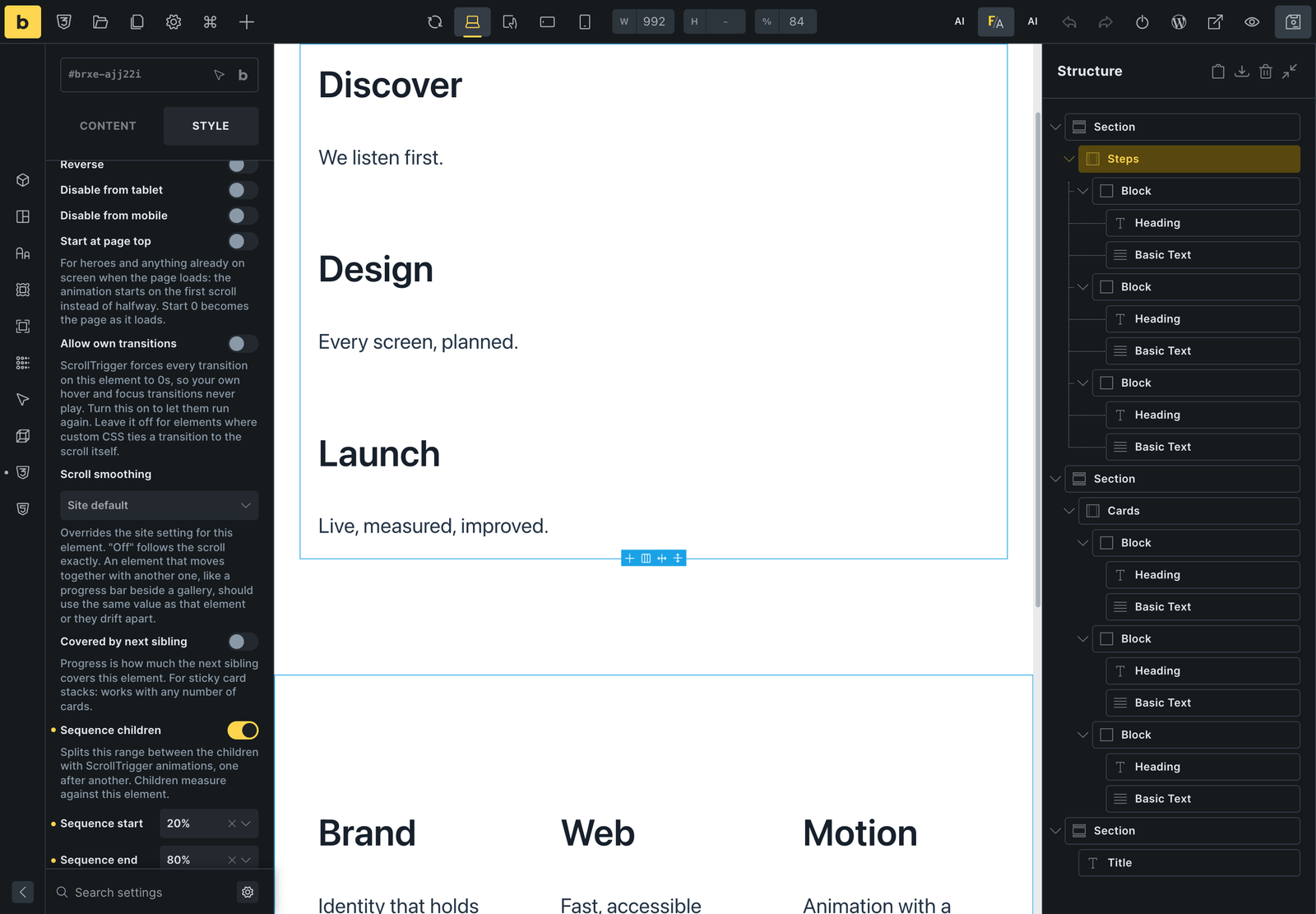 The FA button (top right of the toolbar) turns Fancy Animations on in the Bricks canvas.
- A Fancy toolbar button ("Fancy Animations: ON/OFF") controls the preview. It's on by default, and the choice is remembered per browser.
- Off: entrances show at rest, text stays unsplit, scroll trigger is neutralised, mouse effects reset, and pattern drift stops.
- The canvas always loads the full animation CSS, even when Optimized CSS file is turned on for the live site.
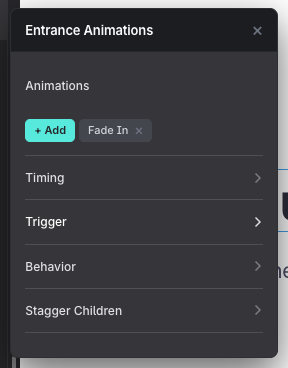 The Fancy panel on an element in Etch.
- Needs "Gutenberg blocks (Beta)" turned on first — without it, no Fancy controls appear in the block editor at all.
- On a block with its own tabbed sidebar (Image, for example: Content / Settings / Styles), Fancy's panels sit under Settings, not the first tab shown. On a block without tabs (Paragraph, Heading…) they show directly.
- A header button, Animations On / Animations Off, controls the preview — on by default.
- Off: the same neutral, unanimated state as Etch's.
- Text animations are shown on an overlay preview layer in the editor — the real split into letters/words/lines only happens on the published front end.
- The canvas loads the same CSS file the front end uses, so with Optimized CSS file on, a class that isn't in saved content yet has no style until the post is saved.
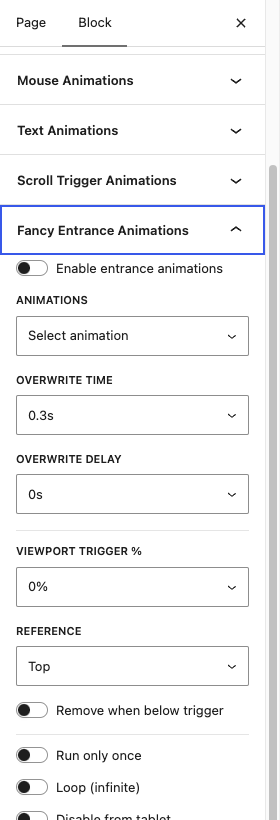 The Fancy panels in the block sidebar. On blocks with tabs (Content / Settings / Styles) they're under Settings.
States a published page can be in
| State | What the visitor sees |
|---|---|
| Normal | Everything runs |
| Below the site's "Skip animations on screens narrower than" | The whole animation stylesheet is removed: entrance, text, hover and scroll presets all show their static state; no custom cursor |
| "Disable from tablet/mobile" on an entrance or text animation | That element shows its final state at that width |
| "Disable from tablet/mobile" on a scroll trigger element | That scroll animation is switched off at that width |
| A visitor used the Toggle Animations element | A long-lived cookie remembers the choice: no Fancy CSS or JS loads at all, everything shows static |
| "Respect reduce motion" is on and the visitor's system requests it | Entrance and text animations show in their final state; see Reduced motion |
| JavaScript blocked or delayed | Entrance elements stay invisible until the observer script runs; text stays visible but unsplit; scroll elements show their unanimated state |
Checking a page properly
- Open the page logged out, or in a private browser window, with any page cache cleared since your last save.
- Scroll down slowly from the very top: each entrance should fire at its trigger point, and anything already visible on load should play once after its delay.
- Scroll back up and down again to confirm repeat behaviour (or "only once") matches what you set.
- Resize to roughly 991px, 767px and 478px — disabled-from-tablet/mobile settings and stagger column counts change at those widths.
- Hover buttons and cards with an actual mouse — mouse effects and the custom cursor both need a fine pointer, and won't show on touch.
- If the site uses a performance plugin that delays JavaScript, confirm entrance animations still appear without the visitor needing to click or scroll first.
Common problems
- "It doesn't animate" while editing. The builder's own preview toggle is off — see the per-builder notes above (Bricks' FA button always starts off on reopen).
- It works in the builder but not on the live site. Optimized CSS file is on and the cached stylesheet predates your latest change — save the page again, then reload.
- Animated elements are missing for some visitors, but fine for you. A JavaScript-delay performance setting is holding back the plugin's own observer script — exclude it from any such delay/combine optimisation.
- It's fine for you, but a client reports nothing animates at all. They likely used the Toggle Animations element earlier, which sets a long-lived cookie — toggle it back, or clear that cookie.
- Bricks
- Up to 3.1.2, entrance animations could still fire briefly in the canvas even with the preview off, whenever Bricks itself re-rendered the element — that motion can be ignored, it doesn't reflect the real front end.
- After saving, Bricks' own render check should report
cssSyntaxBalanced: true— if it doesn't, something in a custom CSS field (commonly avar(--x, rgba(…))fallback, or a function with commas inside likecolor-mix()) was mangled on save; see the Bricks-specific pitfalls in Scroll math & custom CSS and the recipe pages.