Smooth scroll (Lenis)
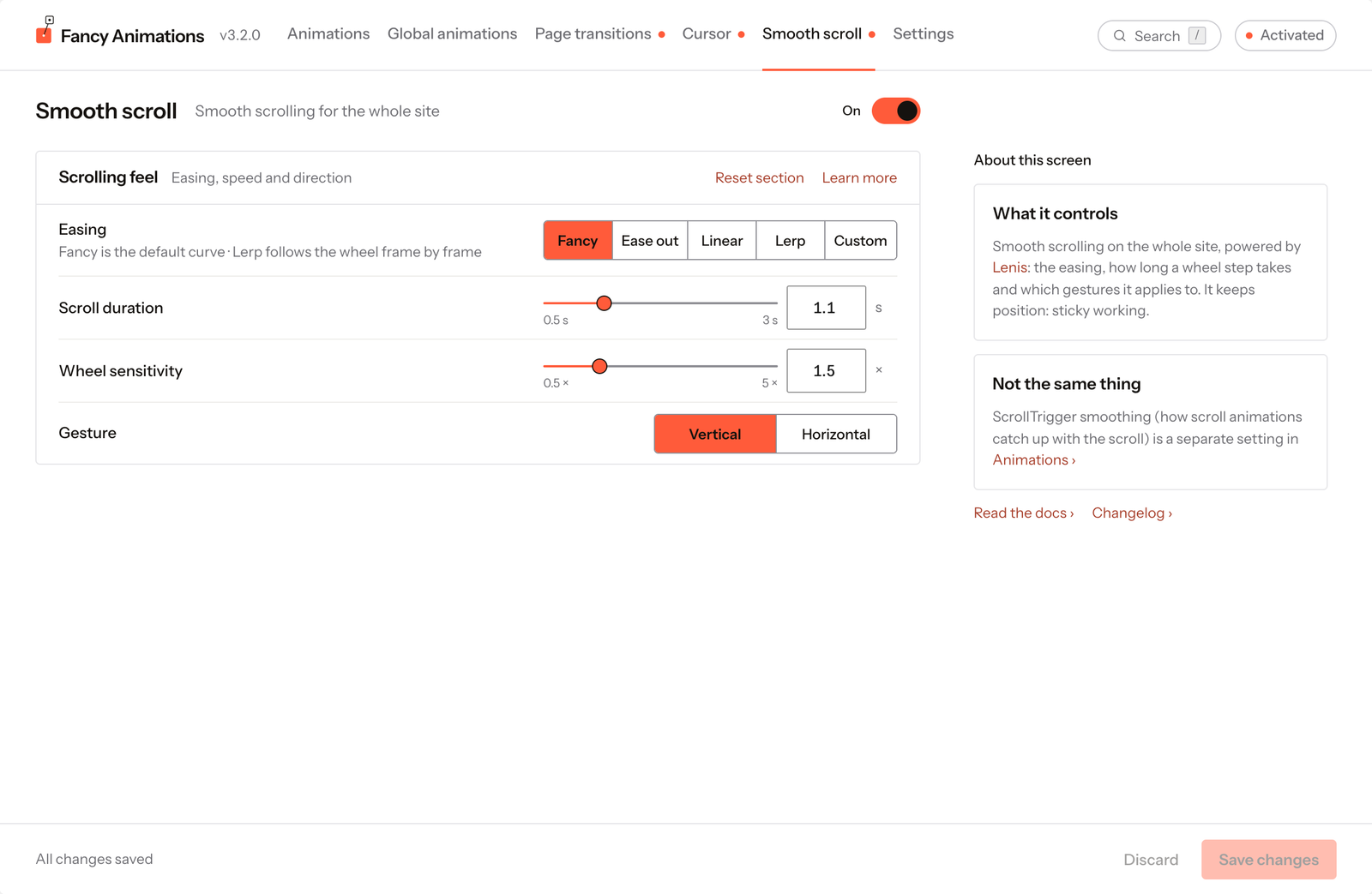
In wp-admin: Fancy Animations → Smooth scroll. Adds smooth, inertia-based scrolling (powered by
the open-source Lenis library) to the whole front end. It
changes how every scroll feels on the published site, including how
scroll trigger animations play out, and keeps
position: sticky working. It never runs inside the Bricks or Etch builder canvases.
The On/Off switch at the top right turns it on; it's off on a new install.
See it live: Smooth scroll on fancyanimations.com.
Scrolling feel
| Setting | Options | Default |
|---|---|---|
| Easing | Fancy, Ease out, Linear, Lerp, Custom | Fancy |
| Lerp factor (Lerp only) | 0.01–0.99; lower is smoother | 0.1 |
| Custom function (Custom only) | A JavaScript function of t, from 0 to 1, that returns the progress | (t) => Math.min(1, 1.01 - Math.pow(2, -10 * t)) |
| Scroll duration | 0.5–3 s (not used with Lerp) | 1.1 s |
| Wheel sensitivity | 0.5×–5× | 1.5× |
| Gesture | Vertical, Horizontal | Vertical |
Fancy is the default curve; Lerp follows the wheel frame by frame instead of easing over a fixed duration. A custom function that isn't valid JavaScript, or doesn't return a number, is flagged on the field and blocks saving.
Common problems
- Scroll feels unchanged after turning this on. It only affects the published front end, not the Bricks or Etch canvas. Check you saved after switching it on.
- Scroll animations feel slightly different after turning this on. Expected: smooth scroll changes the scroll motion itself, which interacts with ScrollTrigger smoothing. They're separate settings; you may want to revisit that one once Lenis is on.
- "Scroll duration" is greyed out. The easing is Lerp, which uses the Lerp factor instead.