
Scroll animations
Horizontal scroll animation that moves as you scroll down
In a horizontal scroll animation the section stays pinned while a row of cards moves sideways at the speed of the page. Before, you tuned the scene height by hand for each number of cards. Now the scene measures itself.
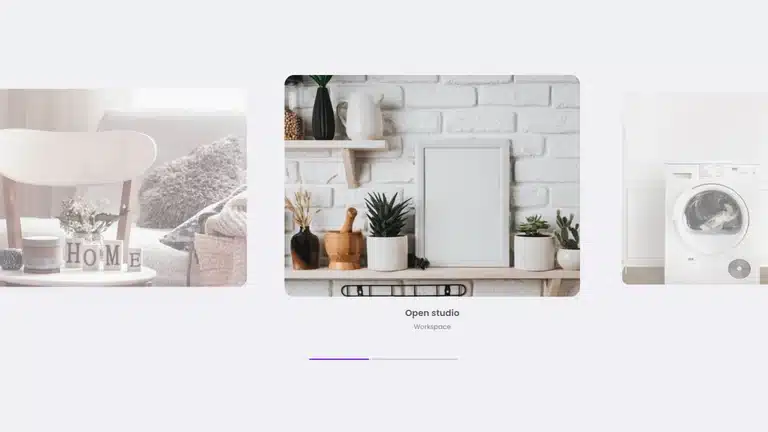
Focus gallery
A pinned row that stops with each photo in the center.
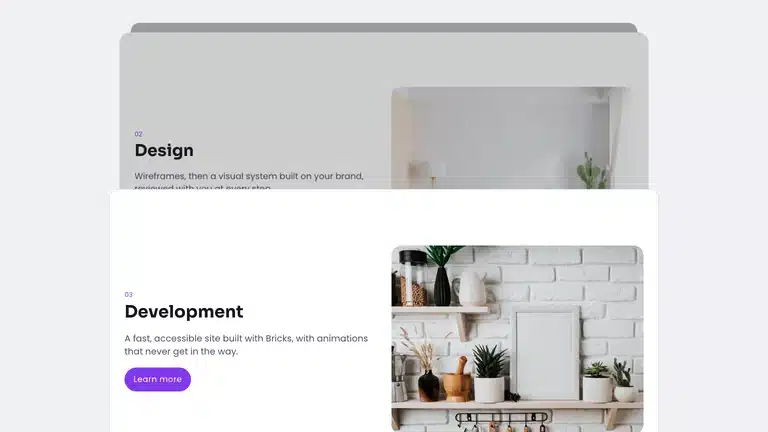
Stacked cards
Sticky cards, each one covered by the next.
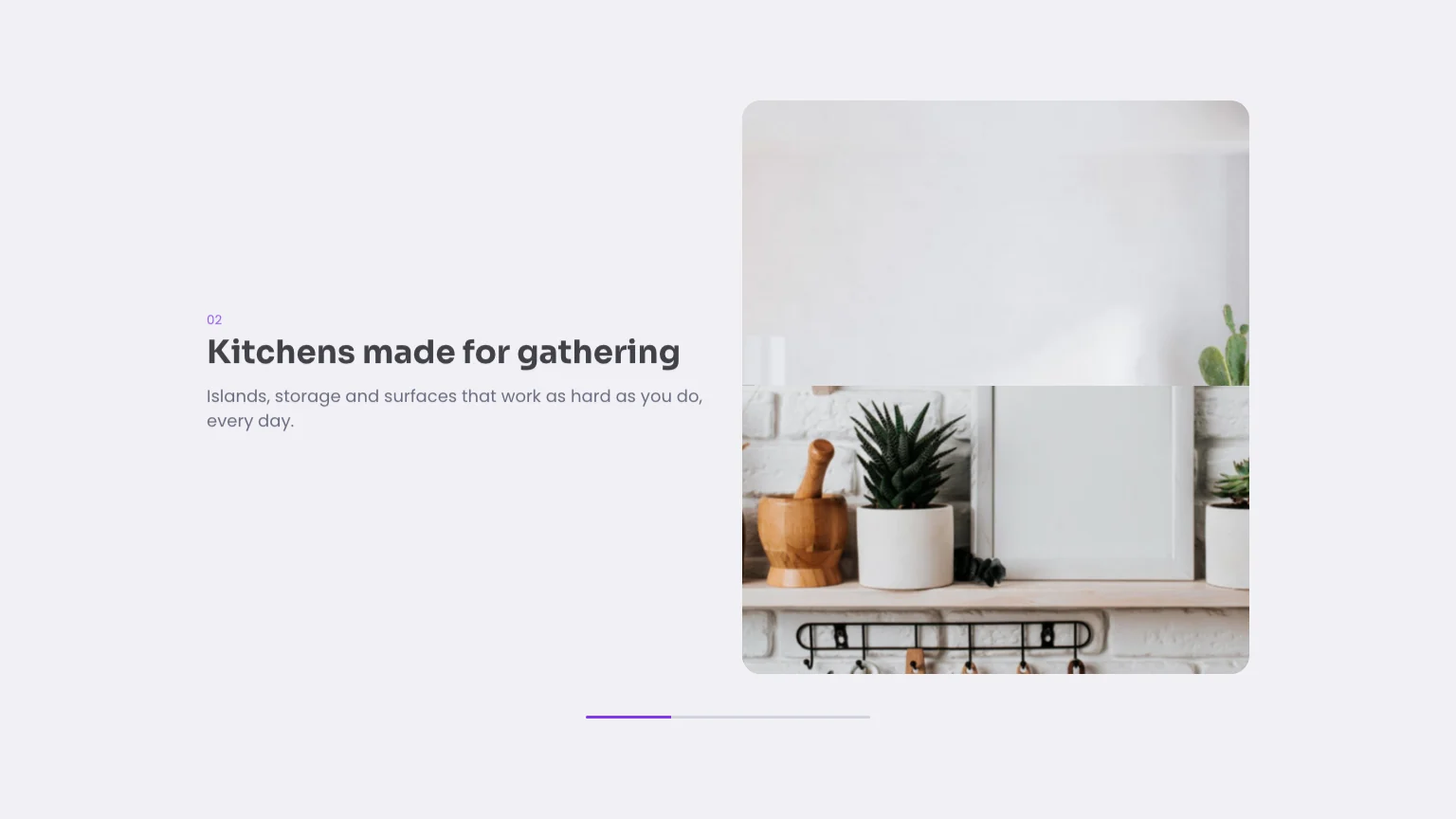
Split scroll
A pinned column whose title changes as the images pass.
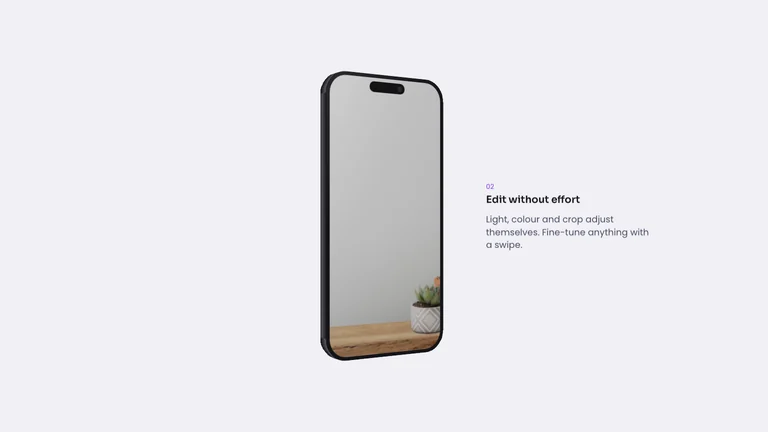
Device tour
A device that turns as the story goes on.
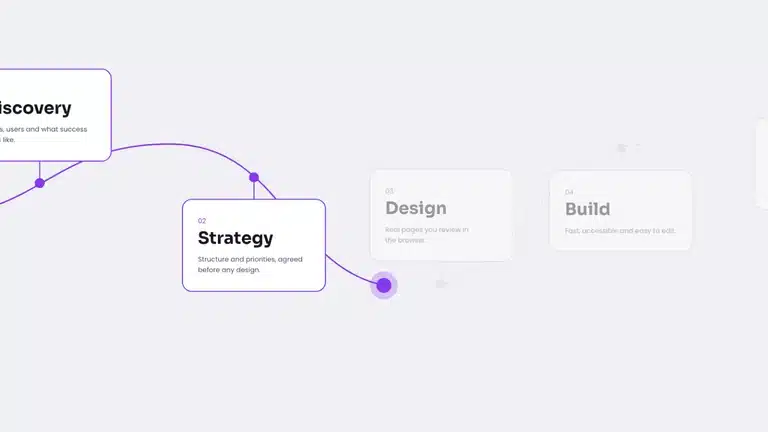
Journey map
A path that draws itself, stop by stop.
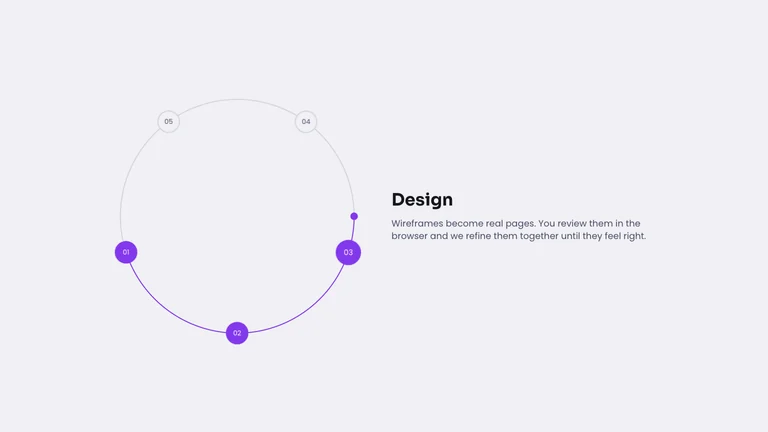
Process wheel
Steps on a dial that turns as you scroll.
What you can do
Three ways to use the row
Each one works with any number of cards, from two to twelve.
Pinned row
Cards move sideways, nothing else.
Focus gallery
The card in the center grows.
Counter and progress
A counter and a bar that fill as you go.
How it works
One row on the scene, CSS on the track
The scene gets one Custom scroll row with no start or end, so it measures itself. The track reads that progress, which is why the speed always matches the page.
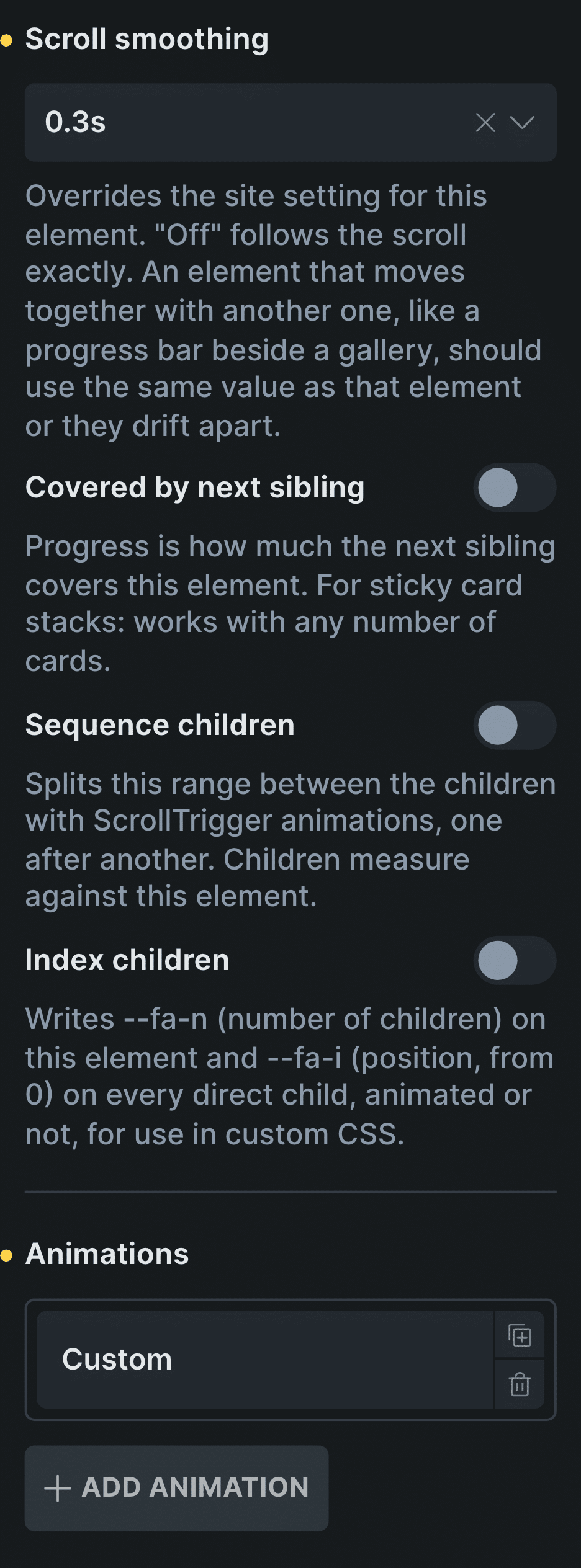
Real capture of the ScrollTrigger Animations panel in Bricks, from Scroll smoothing down: the settings of the scene above.
Start from the template
Focus gallery is a horizontal scroll scene, ready to fill with your photos.
Or add one Custom row
On the scene, with no Start or End, so it measures itself.
Control: CustomAdd or remove cards
The scene’s height follows the row, so it grows or shrinks with it.
In Etch the same settings live in the Fancy panel, and in the block editor in the block sidebar.
New in version 3.2 · or ask your assistant
“Create a portfolio gallery of 7 photos in one pinned horizontal row: as I scroll, each photo in turn eases into the centre at full size with its caption, while the others shrink and dim. A counter like «03 / 07» updates as the photos change. It must not look broken if I add an 8th photo later.”
Every setting
The settings it uses
The settings this scene uses, in ScrollTrigger Animations.
Animations: Custom
One row with no Start or End on the scene, so it measures itself.
CustomIndex children
Each card knows its position, for the focus effect and the counter.
Scroll smoothing
Keeps the row from stepping when the wheel slows down.
Off0.05s0.1s0.15s0.2s0.3s0.5sDisable from mobile
On phones the scene stops and shows the row as it is. Add a sideways scroll there if you want swiping.
Horizontal scroll in CSS
What CSS does on its own, and where it stops
CSS scroll snapping makes a row scroll sideways on its own: people swipe or use the trackpad, and the cards snap into place. It is the right choice on phones.
What CSS can’t do alone is move the row while people scroll down. For that the page has to pin the section and turn vertical scroll into sideways movement, and that is what the scene’s row does.
Read how to set it up in the docsBefore and now
What it took before, and what it takes now
Horizontal scroll is the second scroll scene people ask me about most.
Beforepinning by hand
- Not included:Pin the section with a library
- Not included:Work out the scene height for the card count
- Not included:Redo it when a card is added
- Not included:Extra work for phones
Nowwith Fancy Animations
- Not included:The scene measures itself
- Not included:Any number of cards: the height follows the row
- Not included:A progress bar that reads the same value
- Not included:Turn it off on phones per element
Templates
Start from one of these templates
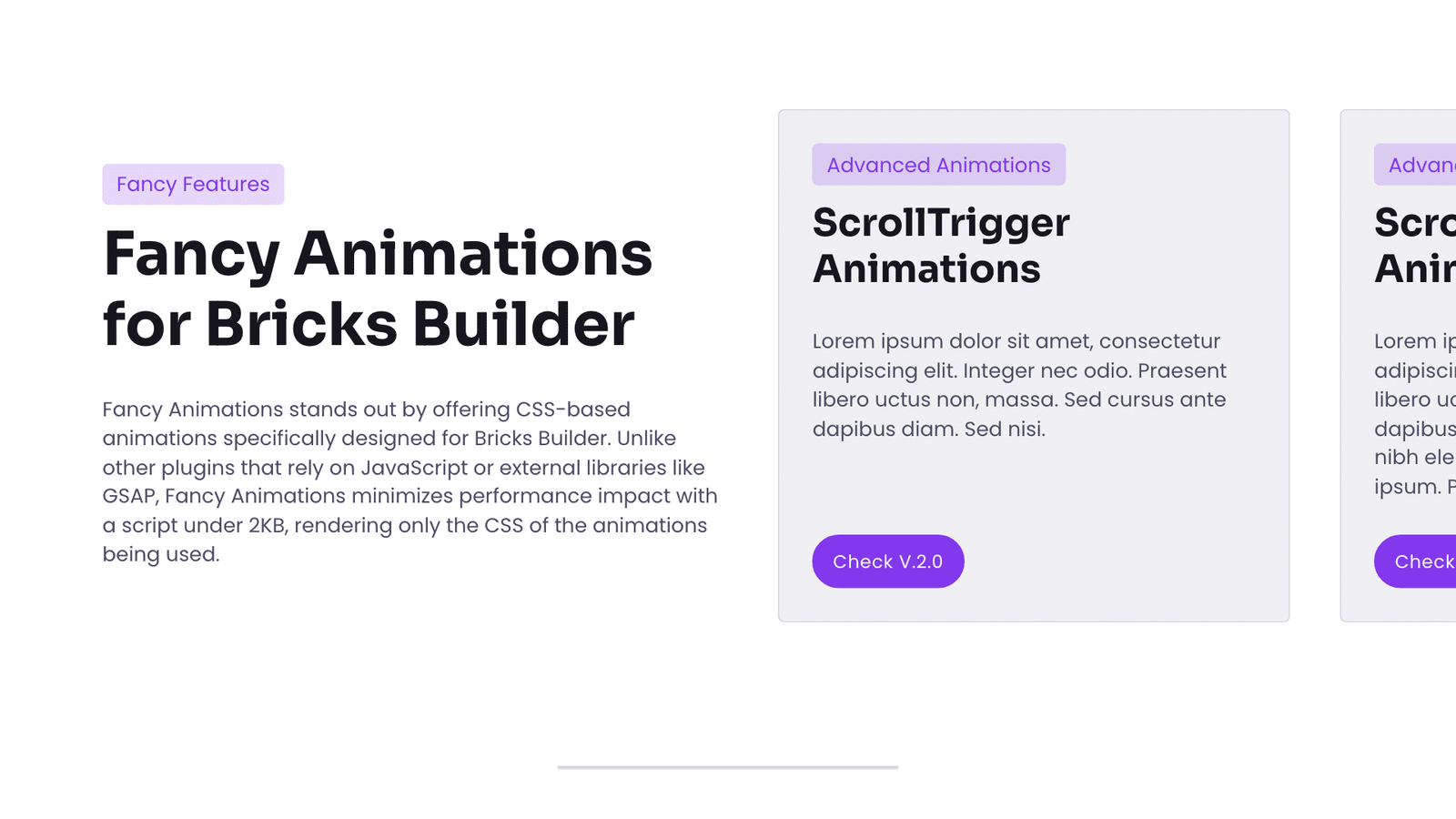
Two templates ready to fill: a pinned row of photos, or cards that scroll sideways instead of down.
Does it work with any number of cards?
Yes. The scene is as tall as the row needs, so three cards make a short scene and twelve a long one.
What happens on phones?
You decide. Keep the scene, with narrower cards, or turn it off with Disable from mobile and give the row a sideways scroll with snapping at that size, which is plain CSS.
Is there a template?
Yes, two: Focus gallery and Horizontal scroll, both included with every license.
Add a horizontal scroll scene to your next site
From $179, one payment, every update for life. 14-day refund.