
Scroll animations for Bricks, Etch and the block editor
Scroll driven animations, set from your builder’s panel
Scroll driven animations follow the scroll itself: scroll down and they play, scroll back and they rewind. Before, that meant writing ScrollTrigger by hand. Now every one is a setting in the panel you already use.
What you can do
Six ways to tie motion to the scroll
Six of the presets, each one a row you pick in the panel. Scroll back and they play in reverse.
Fade
Opacity follows the scroll.
Slide
Moves into place as you scroll.
Rotate
Turns into place with the scroll.
Circle
Opens from the center in a circle.
Blinds
Comes in as strips, like blinds.
Sweep
Wipes in from one side.
Go deeper
Three scroll scenes people ask me about most
Each one used to mean working out scroll windows by hand. Now each one has its own page, its own setting and a template to start from.
Every preset
All 19 scroll presets, tied to your scroll
All 19 presets in the panel. Each one here follows your scroll as it crosses the screen, and rewinds when you scroll back.
Fade, zoom and rotate 3
Fade
Zoom
Rotate
Move 4
Left to Right
Right to Left
Top to Bottom
Bottom to Top
Reveal 8
SweepBottom to Top
SweepTop to Bottom
SweepLeft to Right
SweepRight to Left
SweepCenter Horizontal
SweepCenter Vertical
Circle
Blinds Horizontal
Text, video and your own 4
Reveal
Text Reveal
Reveal
Text Reveal White
Video Scrub
CustomYour CSS, here a turn
Every swatch runs the same window, from 10 to 45 of its own pass across the screen.
Combine them
Several rows on one element
Each row is one preset with its own window. Rows that change different things play together, like a fade that ends at 30 and a move that runs until 45. Two that both transform go in one Custom row.
Fade + Bottom to Top
Both play, each in its own window.
Zoom + Fade
Both play: one scales, one fades.
Zoom + Rotate, as Custom
Both transform, so one Custom row moves both.
Custom animations
Tie anything you like to the scroll
Pick Custom in a row and the plugin gives your CSS a number that goes from 0 to 1 as the element passes its window. What that number moves is up to you. You don’t need to know CSS: describe the motion in the AI panel in Bricks, or to your own assistant from version 3.2, and it writes the CSS for that element.
As it scrolls in, stand the card up from flat and bring it into focus; as it scrolls out, tilt it away and fade it.
How it works
Pick the element, then the motion
Scroll driven animations live in their own panel in Bricks, next to the settings you already use. No timeline and no markers to tune.
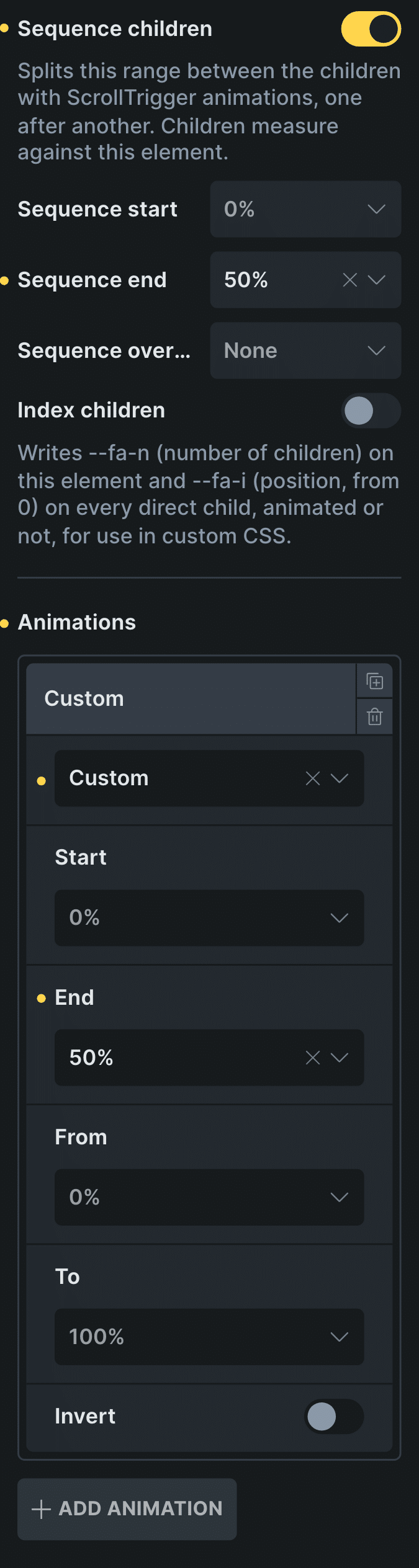
Real capture of the ScrollTrigger Animations panel in Bricks, from Sequence children down: the settings of the five squares at the top of this page.
Pick the element
Select the section or element you want to move.
Open ScrollTrigger Animations
It sits in the element’s Style tab, with a row for each animation.
Choose the motion and where it plays
Pick a preset and the part of the scroll where it runs, from Start to End.
Control: Start
In Etch the same settings live in the Fancy panel, and in the block editor in the block sidebar.
New in version 3.2 · or ask your assistant
“In the hero, while I scroll, the title rises and fades away.”
Every setting
Every setting in the panel
Every setting in ScrollTrigger Animations. Each row also has its own Start, End, From, To and Invert.
Animations
One row per preset. Start and End set where in the pass it plays; From and To, how much of it.
Start 0–95%End 5–100%From 0–95%To 5–100%InvertScroll smoothing
Eases towards the scroll instead of jumping. Site default or per element.
Off0.05s0.1s0.15s0.2s0.3s0.5sCovered by next sibling
Progress becomes how much the next card covers this one. For card stacks.
Sequence children
Children take turns inside one window.
StartEndOverlap 10%25%50%100%Index children
Each child knows its position and the total, for your own CSS.
Start at page top
For a hero: the pass starts with the first scroll. New in 3.2.
Allow own transitions
Keeps the element’s own hover transitions. New in 3.2.
I am parent container / Get parent
Children measure against their parent instead of themselves. Useful inside a pinned stage, where the child itself never moves.
Reverse
A round trip: the motion peaks halfway through the window and comes back.
Disable from tablet / mobile
Shows the element still on smaller screens.
Scroll driven or on-scroll
Two kinds of scroll animation
An on-scroll animation plays once, when the element reaches the screen. That is what entrance animations do, and you can see them on the entrance page.
A scroll driven animation is tied to the scroll position. Halfway through the scroll window, it is halfway through the motion, and scrolling back rewinds it. Card stacks, horizontal rows and video scrubbing are all scroll driven.
Read the guide to scroll animationsBefore and now
What it took before, and what it takes now
The usual way to build scroll driven animations in WordPress is ScrollTrigger written by hand. Here is the difference.
BeforeScrollTrigger by hand
- Not included:Load GSAP and ScrollTrigger on every page
- Not included:Write a timeline for each element
- Not included:Tune start and end markers by eye
- Not included:Keep that code alive on every client site
Nowwith Fancy Animations
- Not included:9.5 KB of JavaScript with entrances, no GSAP
- Not included:A row in the panel you already use
- Not included:Start and End as settings, not markers
- Not included:Turn it off on tablets or phones per element
Templates
Start from a scroll scene
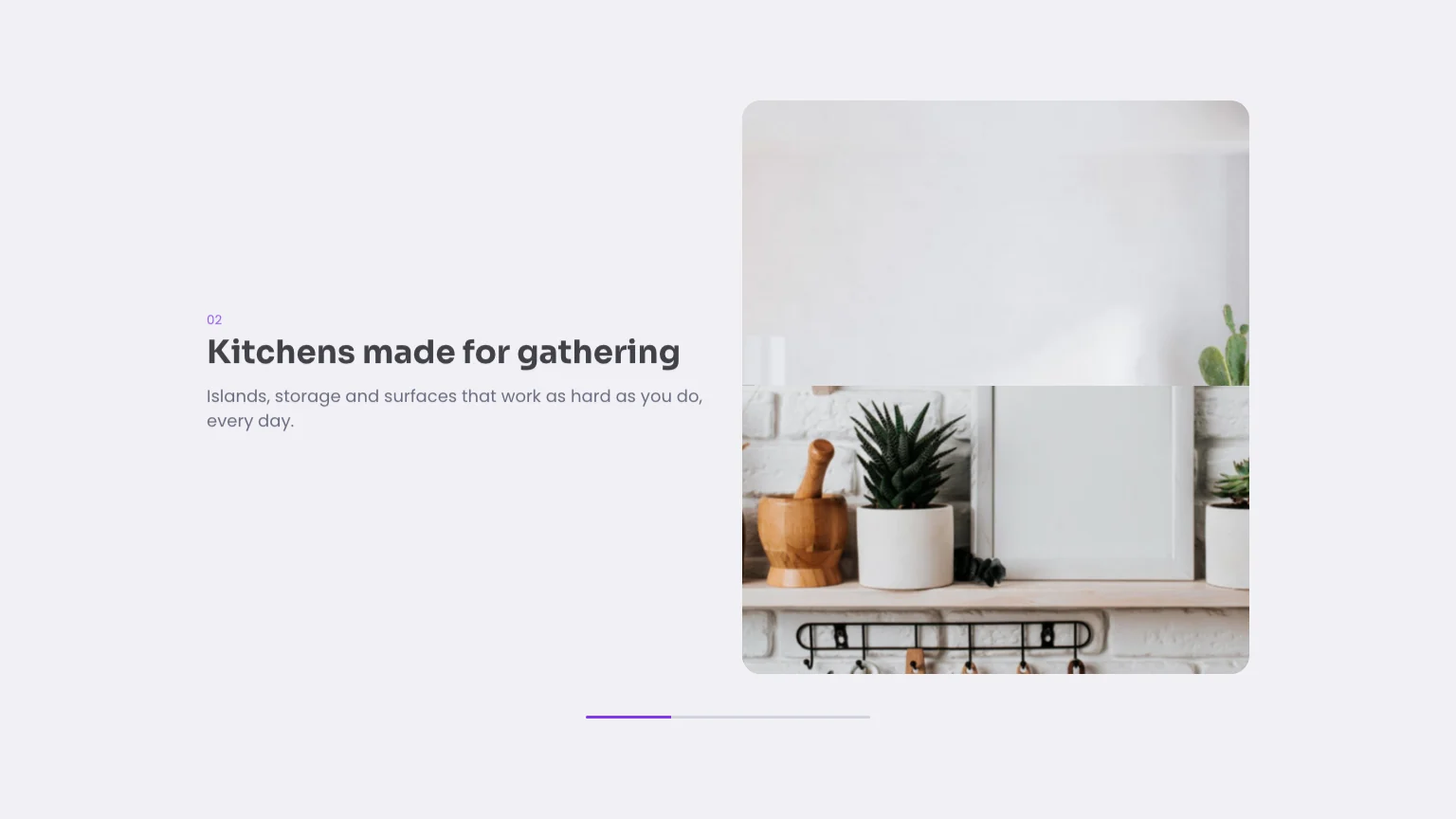
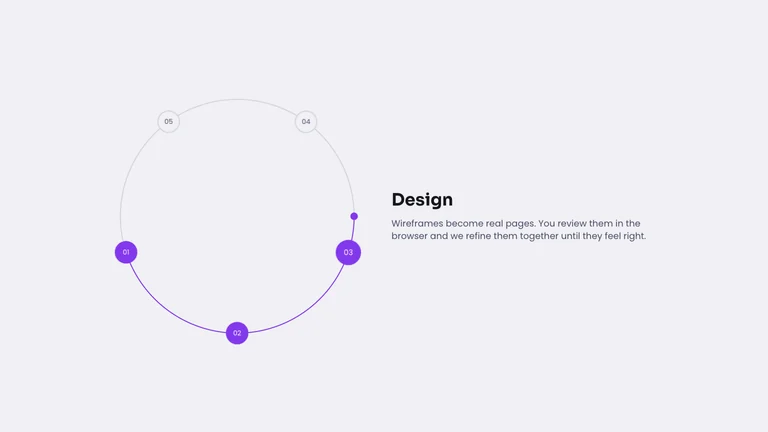
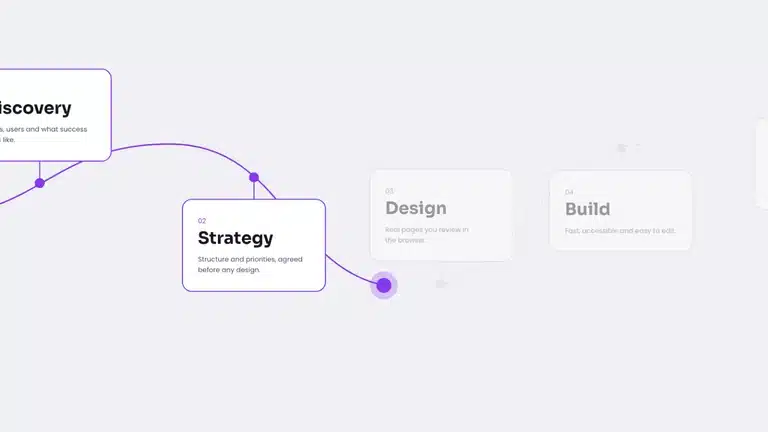
Every template in the library is a scroll scene built from these rows, ready for your content.
Do I need GSAP?
No. The plugin has its own script, and the animations run in CSS.
Does it follow reduce motion?
No, on purpose: in many layouts the scroll decides which content shows. Turn a scene off on phones with Disable from mobile if it is heavy.
What if JavaScript is blocked?
The content shows, in its unanimated state.
Is it the same in Etch and the block editor?
Etch has every setting. The block editor has one preset per block.
Add scroll animations to your next site
From $179, one payment, every update for life. 14-day refund.