
Templates
Animated Bricks templates, ready to paste
Every template is a real section I built with the plugin, with its Bricks Builder animations already set. Insert it, swap the text and photos, and the motion stays. They all come with both licenses.

01 Horizontal scroll
Cards that move sideways as you scroll down.
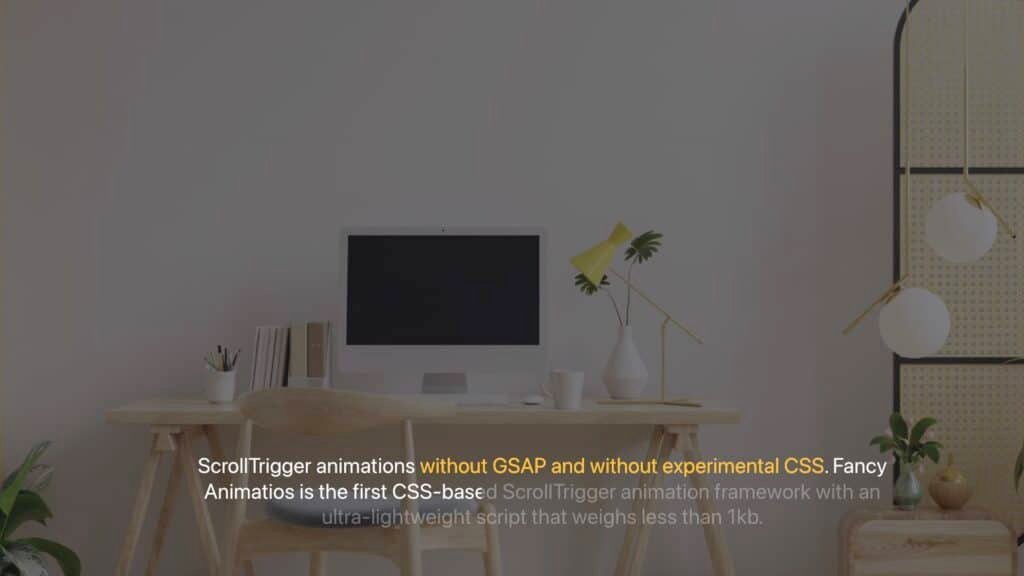
01 Text reveal
Text that reveals itself as you scroll.

01 Hero reveal circle
A hero that opens from a circle.
Previews are stills of the real templates. Open one to see it live.
How to use a template
Insert it from Bricks, then make it yours
The templates live in Bricks’ remote templates, so there’s no file to download. The address and password are in your account.
Add the library once
In Bricks, open Settings, Templates, Remote libraries, and add the library for your framework (ACSS / Fancy Framework, Native or Core) with its address and password from your account.
Insert the section
In the editor, open the Browser, pick Fancy Animations as the source and insert the one you want.
Swap the content
Change the text and the photos. The animations are already set in the panel, so the motion stays.
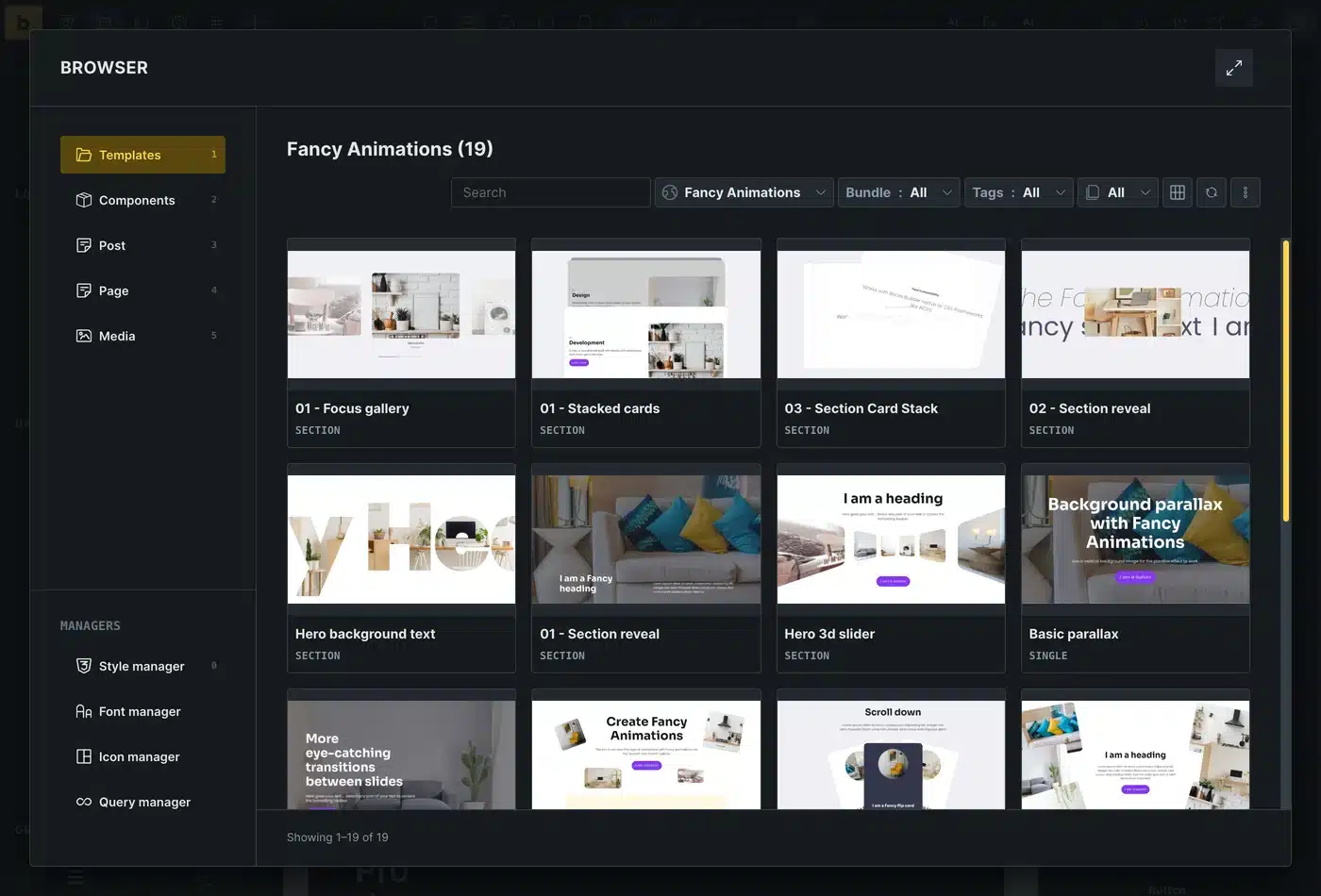
Real capture of the template browser in Bricks.
Need one that isn’t here?
Tell me what you want to build. The requests I plan go on the public roadmap.
Add Bricks Builder animations to your next site
From $148.57 instead of $179, one payment, every update for life. 14-day refund.