
Scroll scene template for Bricks
Split scroll, an animated Bricks template
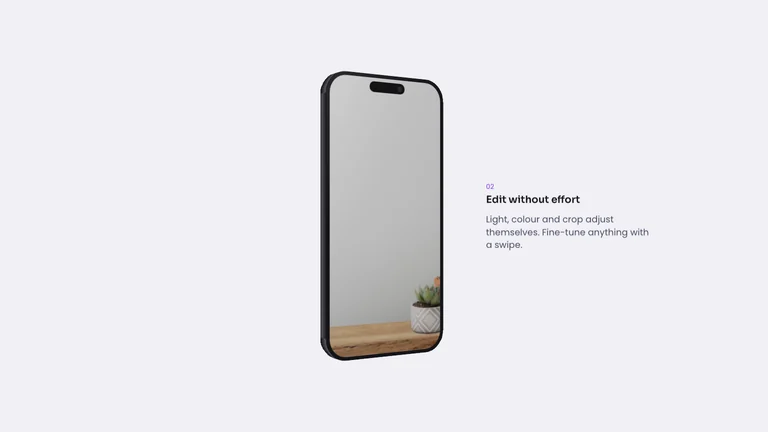
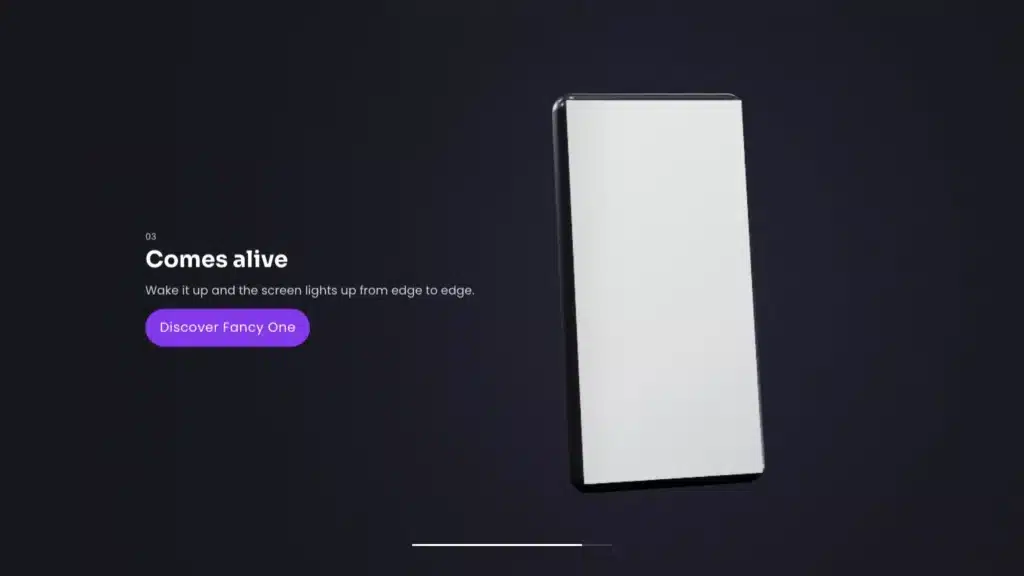
The image stays in place while the text blocks scroll past, and each image changes exactly when its text reaches the middle of the screen. On phones, every image sits above its text.
What moves and how
Two settings do all of it
Tested in Bricks with five blocks. Each image is fully shown when its text is centered, and it keeps lining up when you add or remove blocks.
New in version 3.2
Or ask your assistant to build it
From 3.2 your own AI assistant can build this section in Bricks from a description like this one. It was tested on a real page.
Create a split-scroll feature section: on the left a sticky image frame that crossfades with a subtle zoom between 4 images, on the right 4 text blocks that scroll normally. Each image must change exactly when its text block reaches the middle of the screen, and the active text is fully opaque while the others are dimmed. On mobile, each image sits above its text.
More like this
Other scroll scenes
Split scroll is built with scroll animations, from the plugin’s panel. See how it works.
Add Bricks Builder animations to your next site
From $179, one payment, every update for life. 14-day refund.