
Card template for Bricks
Stacked cards, an animated Bricks template
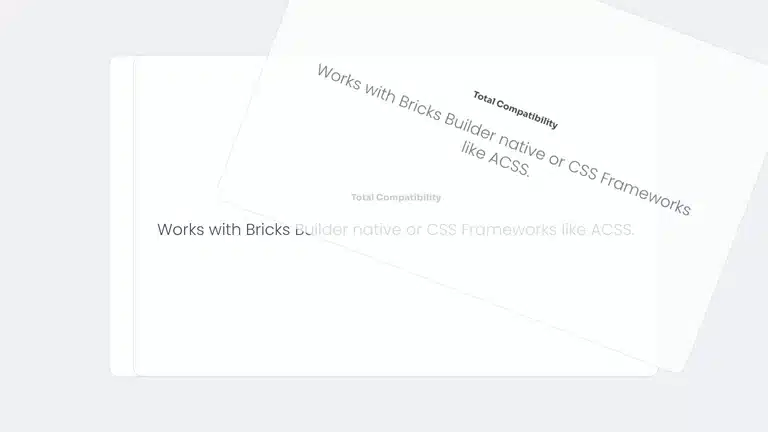
Each card sticks near the top and the next one slides over it. The one underneath shrinks a little, darkens and tilts back. It works with any number of cards.
What moves and how
One setting stacks them
Each card measures how much the next one covers it, so the stack stays exact when you add or remove cards.
New in version 3.2
Or ask your assistant to build it
From 3.2 your own AI assistant can build this section in Bricks from a description like this one. It was tested on a real page.
Make the 5 service cards stick and stack on top of each other as I scroll: each one shrinks slightly, darkens and tilts back while the next slides over it. It must work with any number of cards.
More like this
Other cards
Stacked cards is built with card stack animation, from the plugin’s panel. See how it works.


Add Bricks Builder animations to your next site
From $179, one payment, every update for life. 14-day refund.